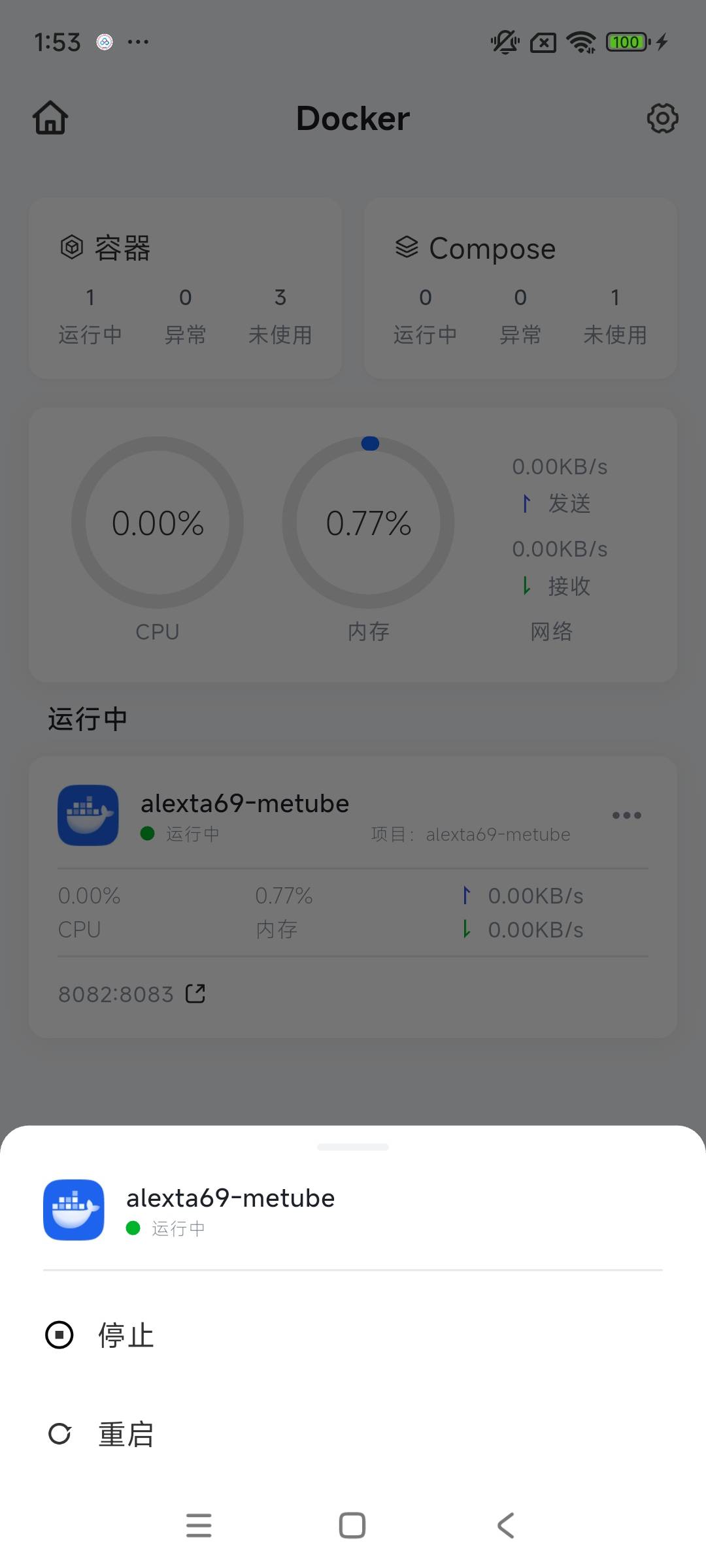
Compose - App
In Docker applications, a “project” is a collection of applications based on Docker Compose technology. Unlike managing individual containers separately, a “project” allows you to define and run a set of interrelated containers—such as a “WordPress website” and a “MySQL database” that need to work together—all at once using a single configuration file (YAML).
How to Access the Container Interface
In the mobile interface, you can access containers by following these steps:
-
Locate the Docker app and tap it to open it.
-
In the Docker app interface, select [Compose] to open the container management interface.
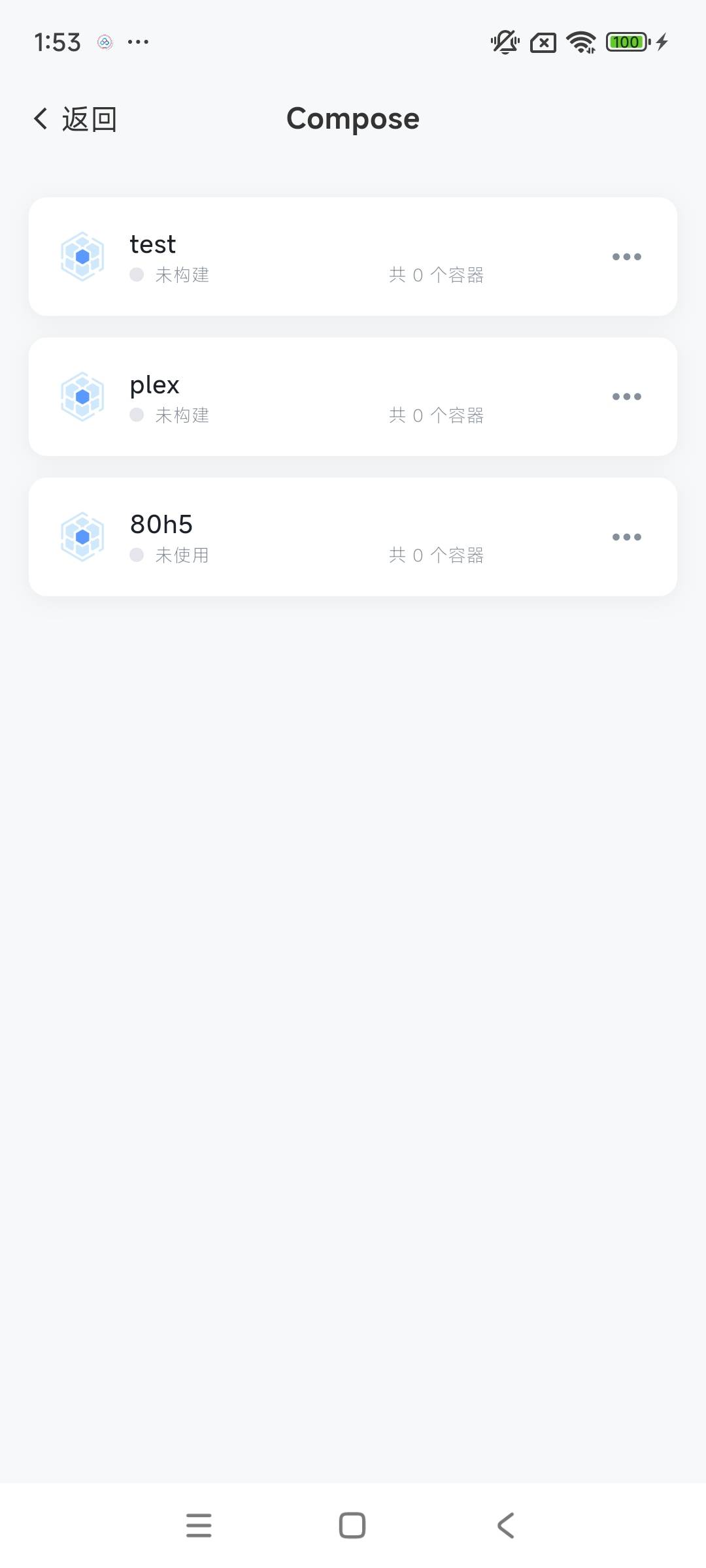
Purpose of the Container Interface
In the Docker container management interface, you can perform a variety of management operations to ensure the smooth operation and maintenance of your containers. The main operations include:
-
View running status: Monitor container resource usage—such as CPU, memory, and network—in real time to ensure optimal container performance.
-
Start and stop containers: Control the running status of containers based on actual needs to flexibly adapt to different application scenarios.
-
View container details: Select a container from the container list, click its name to open the details page, and view key data such as the container’s status, resource usage, and logs.