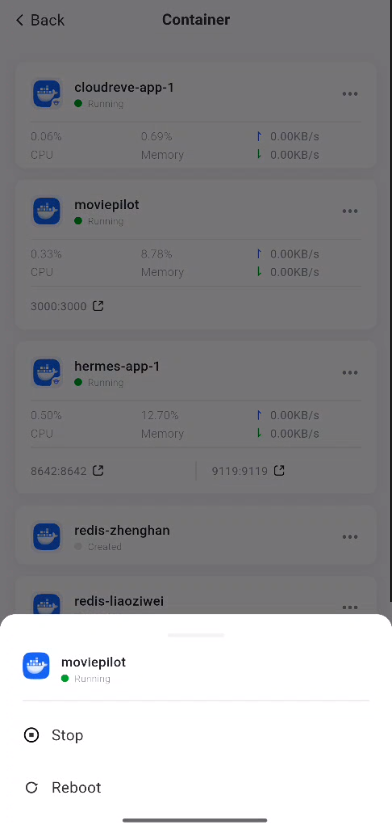
Container - App
A Docker container is a lightweight virtualization technology that allows developers to package an application and all its dependencies together into a self-contained runtime environment. Unlike traditional virtual machines, Docker containers share the host machine’s operating system kernel but run in isolated user spaces. This architecture not only enables containers to start quickly and consume fewer resources but also ensures consistent application performance across different environments.
How to Access the Container Interface
In the mobile interface, you can access containers by following these steps:
-
Locate the Docker app and tap it to open it.
-
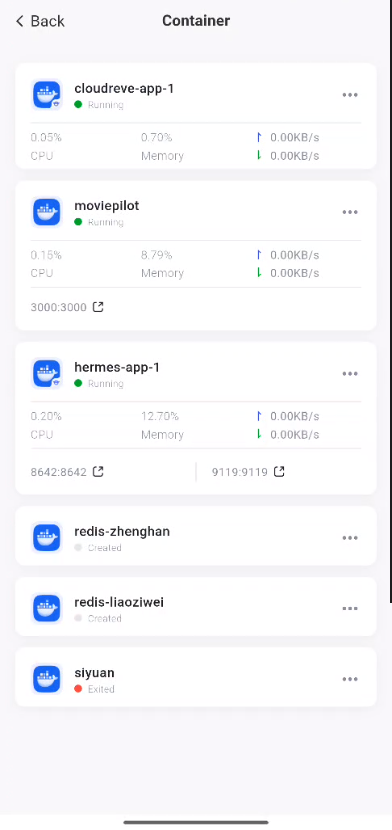
In the Docker app interface, select [Containers] to open the container management interface.
Purpose of the Container Interface
n the Docker container management interface, you can perform a variety of management operations to ensure the proper operation and maintenance of containers. Key operations include:
-
View running status: Monitor container resource usage—such as CPU, memory, and network—in real time to ensure optimal container performance.
-
Start and stop containers: Control the running status of containers based on actual needs to flexibly adapt to different application scenarios.
-
View container details: Select a container from the container list, click its name to open the details page, and view key data such as the container’s status, resource usage, and logs.