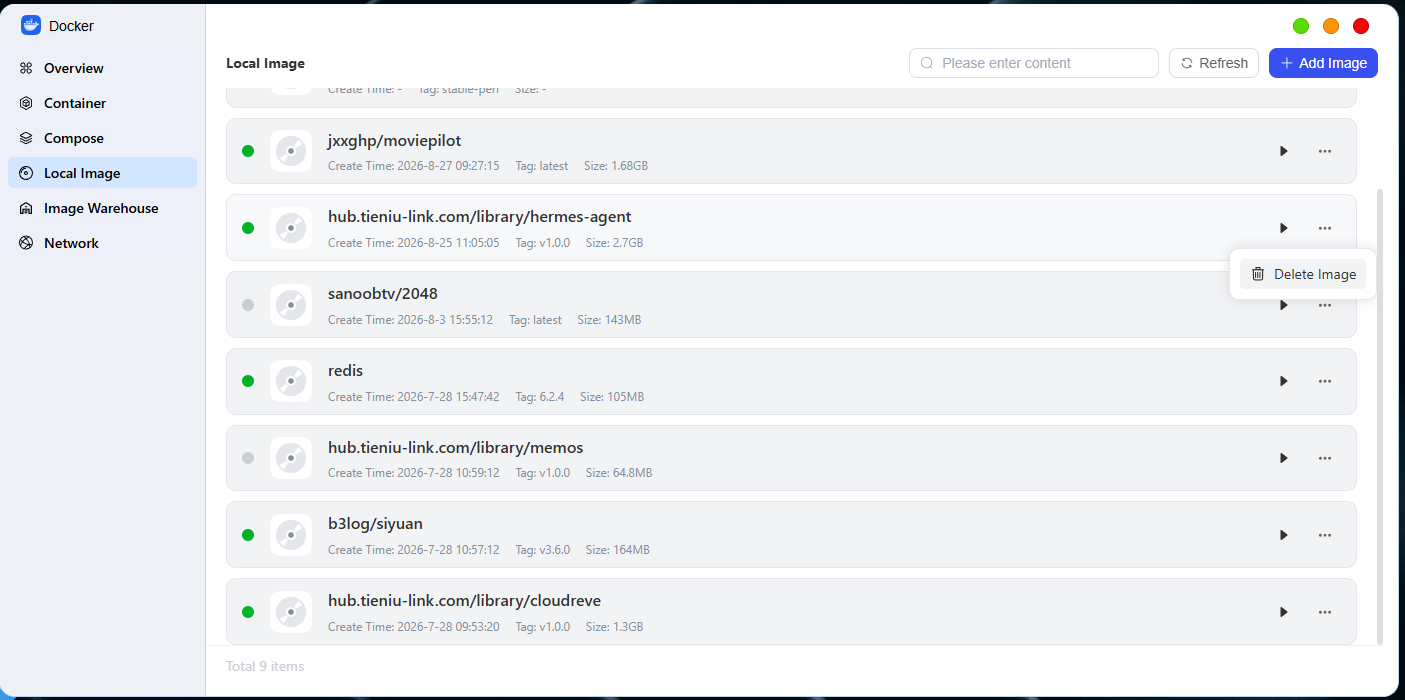
Local Image - pc
Feature Overview
On the "Local Images" page, you can view all downloaded images or import, export, and delete them.
Import an Image
In addition to downloading from a repository, you can add images in the following two ways:
- Download from an image source: Click “Add Image” > “Add from URL.”
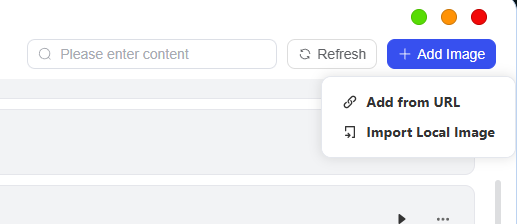
● By URL: Enter the direct link to the image (if the image source has access restrictions, you’ll need to enter a username and password).
2. Import a local image: If you already have a local image file, click “Add Image” > “Import Local Image”, then select the corresponding image file in File Manager to load it
Delete
● Delete a image: Select the mirror you no longer need and click "Delete." A confirmation prompt will appear; click "Confirm Deletion" to complete the operation.