Updates and Reset - APP
Updates and Reset
In [System Settings > Updates & Reset], you can update the system version and perform a factory reset.
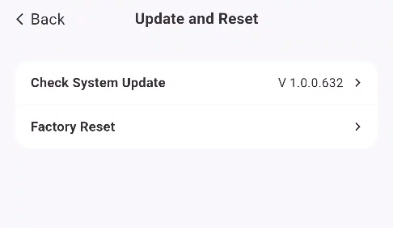
Check for System Updates (Firmware Update)
Automatic Update
-
Click [Check for System Updates].
-
The system will automatically check for the latest version. If an update is available, it will be automatically downloaded and installed.
Restore Factory Settings
-
Click [Restore Factory Settings].
-
Carefully read the pop-up prompt.
-
Check the "I understand" box, click [Restore Factory Settings], enter the administrator password, and confirm the operation.
⚠️ Important Notes
-
Restoring factory settings will erase all custom configurations, including but not limited to:
-
Network settings
-
User accounts
-
System parameter settings
-
-
Be sure to back up important data before proceeding.
-
Do not disconnect the power during the firmware update to avoid system malfunctions.